Learn from Any CLI: Two‑Keystroke Feedback (Ctrl+g)
Learn from Any CLI: Two‑Keystroke Feedback (Ctrl+g)
With two keystrokes you turn everyday corrections into continuous learning for GPTCode.
How it works
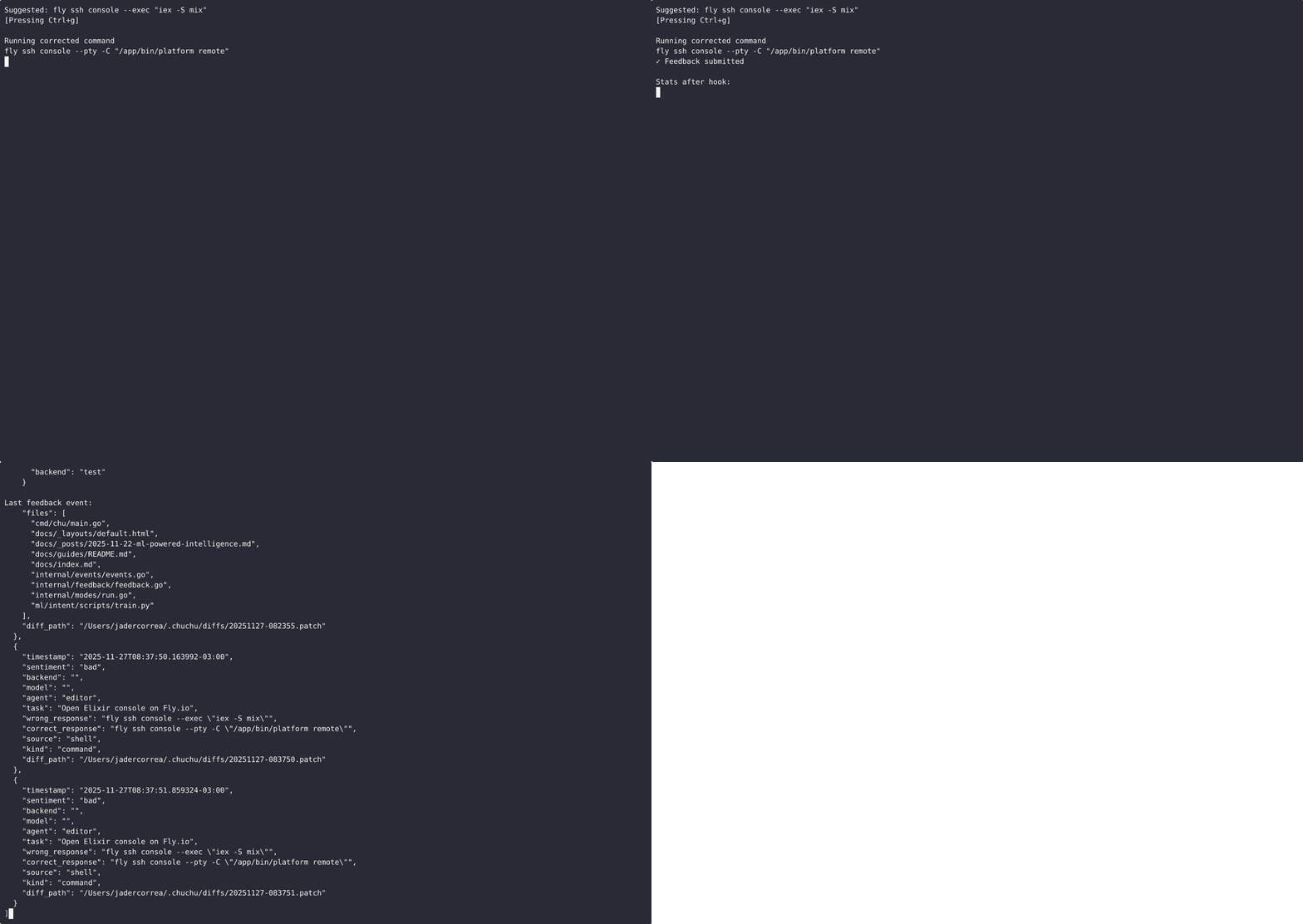
- Press Ctrl+g to mark the suggestion on the terminal line
- Edit and press Enter
- The hook automatically records:
- Sentiment:
good(same) orbad(different) wrong_responseecorrect_responsefileschanged (git diff –name-only)diff_pathwith the full patch (optional)
- Sentiment:
Installation
# zsh (with diff)
gt feedback hook install --with-diff --and-source
# bash
gt feedback hook install --shell=bash --with-diff --and-source
# fish
gt feedback hook install --shell=fish --with-diff
See it in action
Keyboard flow (Ctrl+g → run)
Programmatic flow (CLI submit)
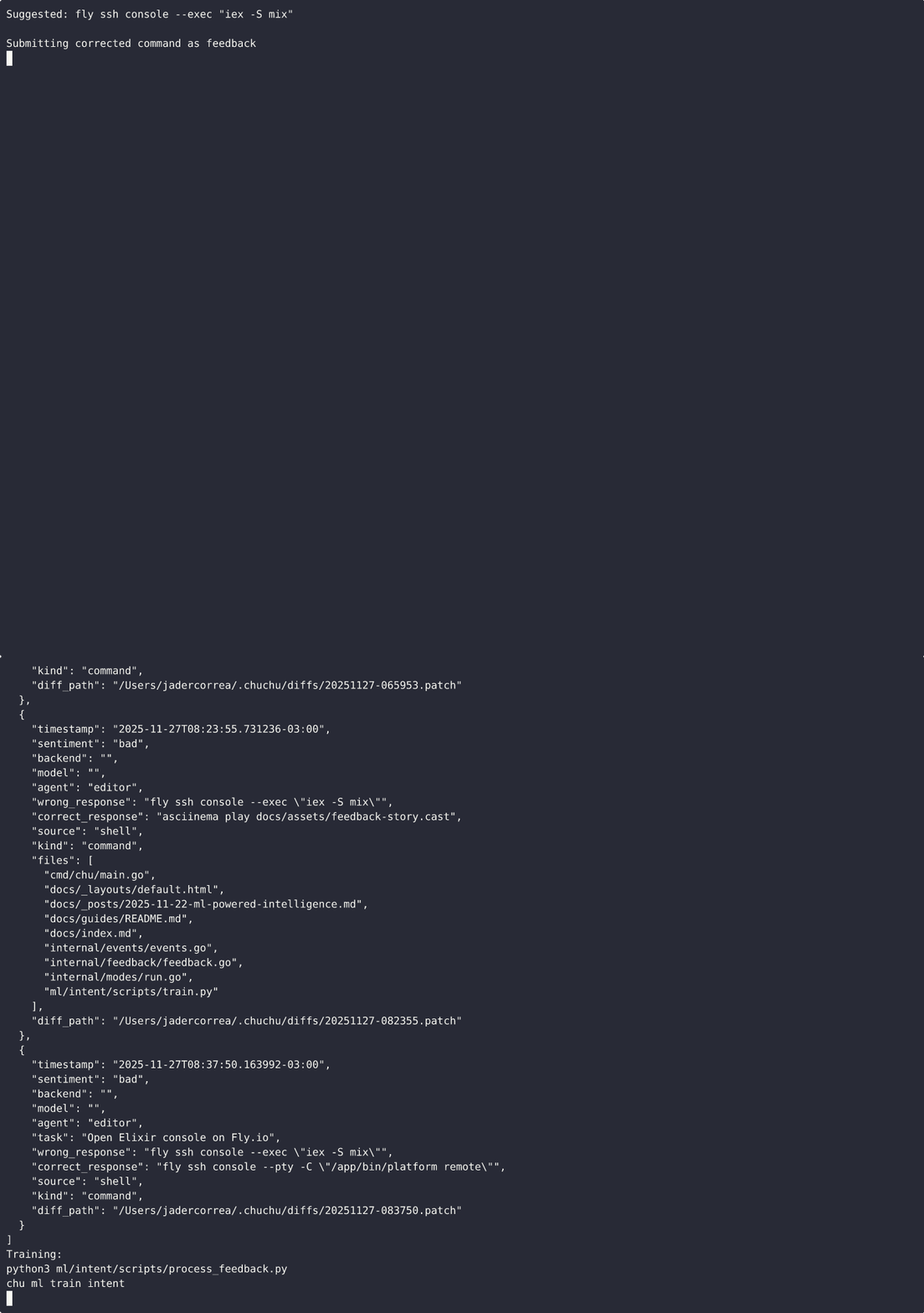
How it’s used for training
# Convert feedback JSON to training examples
python3 ml/intent/scripts/process_feedback.py

# Retrain the intent model (feedback weighted)
gt ml train intent
For UIs/CLIs
No API integration required. Let users press Ctrl+g before running.
Advanced
- Manual/programmatic submissions:
gt feedback submit --json - - Attach files:
--files path --files another - Capture patch:
--capture-diff(saved under~/.gptcode/diffs/*.patch)
References
- Guia: Universal Feedback Capture
- Post: ML-Powered Intelligence